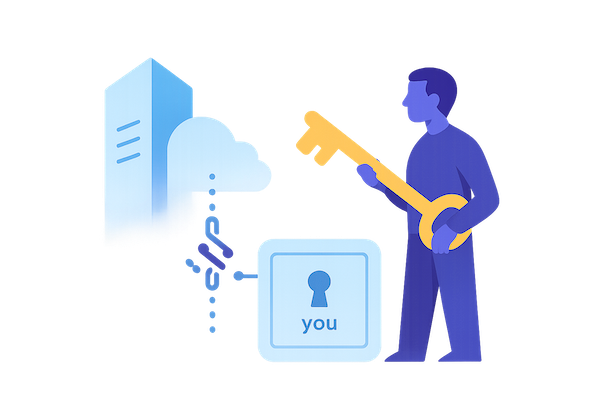
Who has the key?
Only you should decide who can read the contents of your inbox.
Beta This service is under construction. Use WebMail to Read/write mail and Account to manage payment.
Email service hosted in Europe, built on open-source software. No ads, no profiling, no surveillance business model.
Free email is rarely free. If you do not pay directly, your data, behavior, or attention often becomes part of the business model.
Your mailbox content is encrypted with your OpenPGP key. Only you control access to the readable contents of your email.
MyINBX is for people who value privacy, independence, and European digital infrastructure — and who understand that strong privacy requires some responsibility.
Who has the key?
Only you should decide who can read the contents of your inbox.
Honest limitations
Privacy has boundaries.
Email protocols expose metadata such as sender, recipient, timestamps, and routing information. Email is not the right tool if your threat model requires metadata privacy. For that, use purpose-built tools like Signal.
Strong encryption also means greater personal responsibility. If you lose your keys or credentials, recovery may be limited.
Email addresses
Start with myinbx.eu — custom domains may come later
When you create an account, you can choose an address under myinbx.eu, for example name@myinbx.eu. Support for bringing your own domain is planned for a future release.
Price
Simple and transparent.
30 EUR per year including VAT. No ads. No tracking. No monetization of your inbox. This is an early beta service.
Who this is for
MyINBX may be a good fit if you:
MyINBX is probably not for users looking for Gmail-level convenience.
Getting started
Please read this first.
1. Create your account and securely store your credentials. 2. Pay. 3. Install and configure Thunderbird. 4. Create private/public keys, or use existing keys in Thunderbird. 5. Enable encryption and upload your public key in user settings at myinbx.eu.